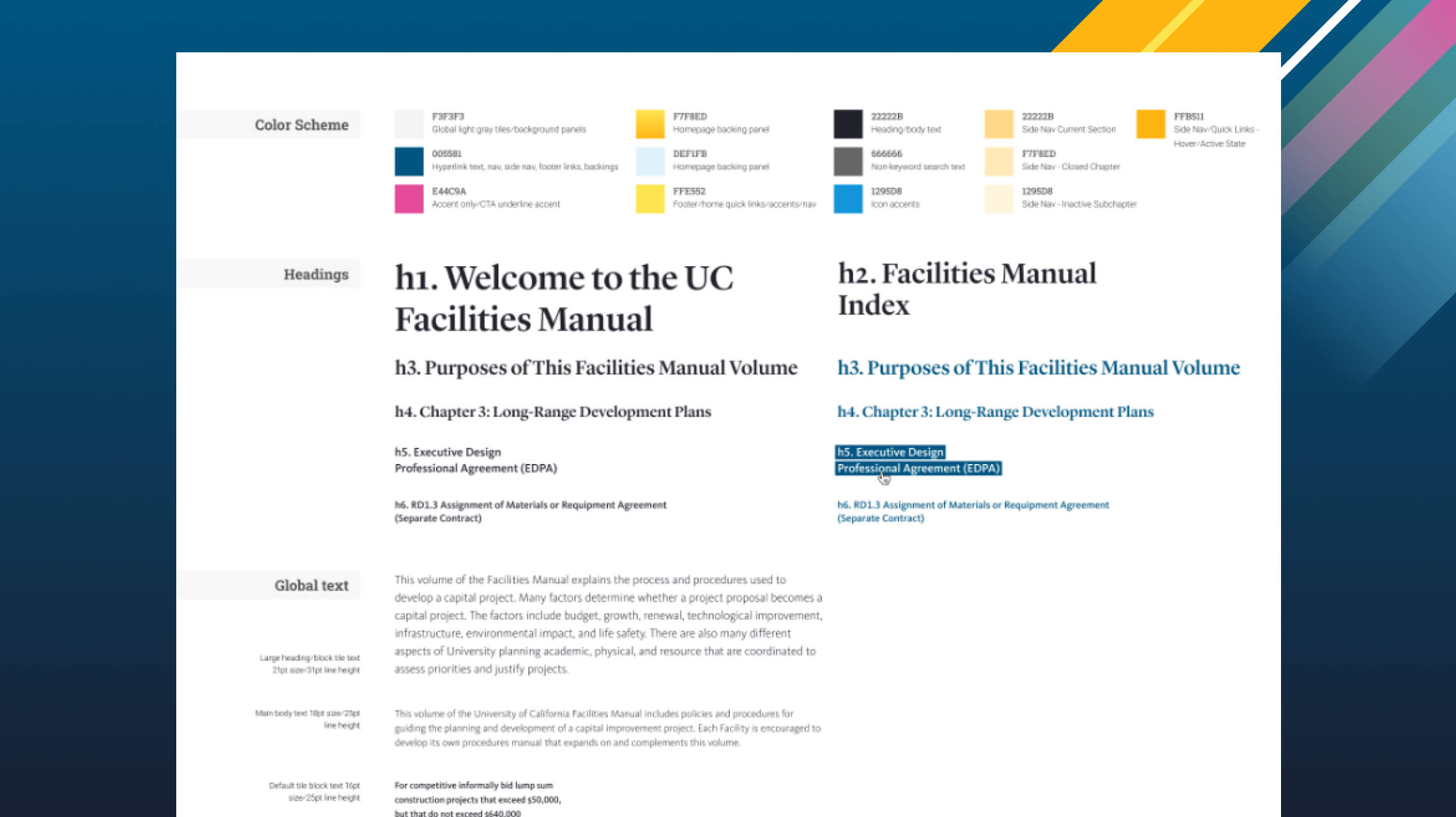
Modernizing the UC Facilities Manual
The UC Facilities Manual is a core resource used across the entire University of California system. It guides planning, design, contracting, and construction work for architects, project managers, campus planners, and contractors.
Over time, the site had become harder to use. Search was limited, navigation was clunky, and publishing updates was time consuming. The system needed to be easier to work with, both for the people relying on it every day and the people maintaining it.
UCOP brought in Black Antelope to rethink the experience from the ground up.
Making it easier to find what you need
One of the biggest pain points we heard was search. Most users were jumping straight to Google because the site itself wasn’t getting them where they needed to go.
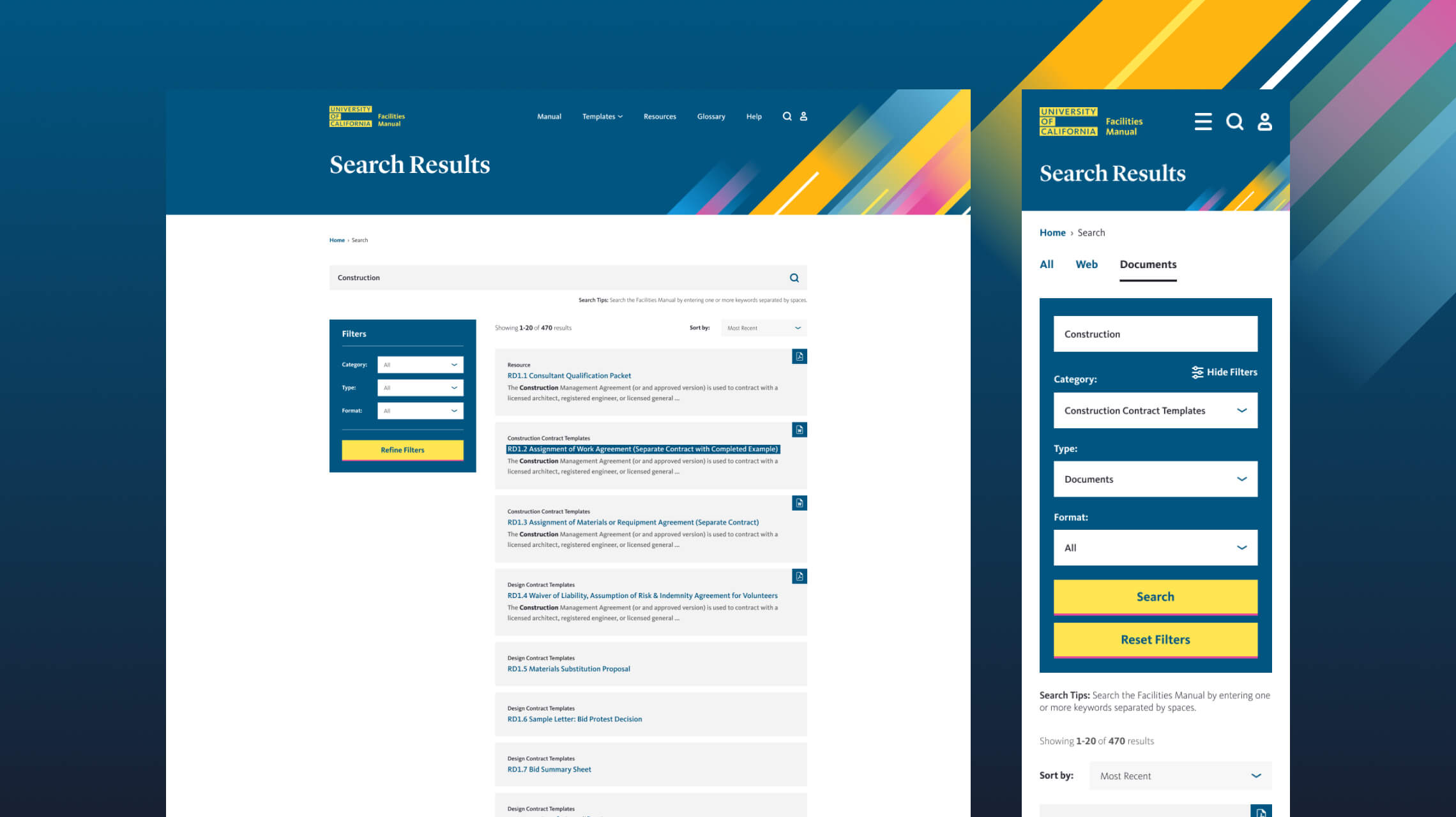
We implemented Algolia-powered search, including lightning-fast autosuggest that helps users find what they’re looking for as they type. We also indexed the full contents of PDFs and other documents, so results now surface the right information, even when it’s buried deep inside a file.
The result is a much faster, more intuitive search experience. Users can quickly find specific policies, templates, and sections without digging through long pages or guessing the right terminology.
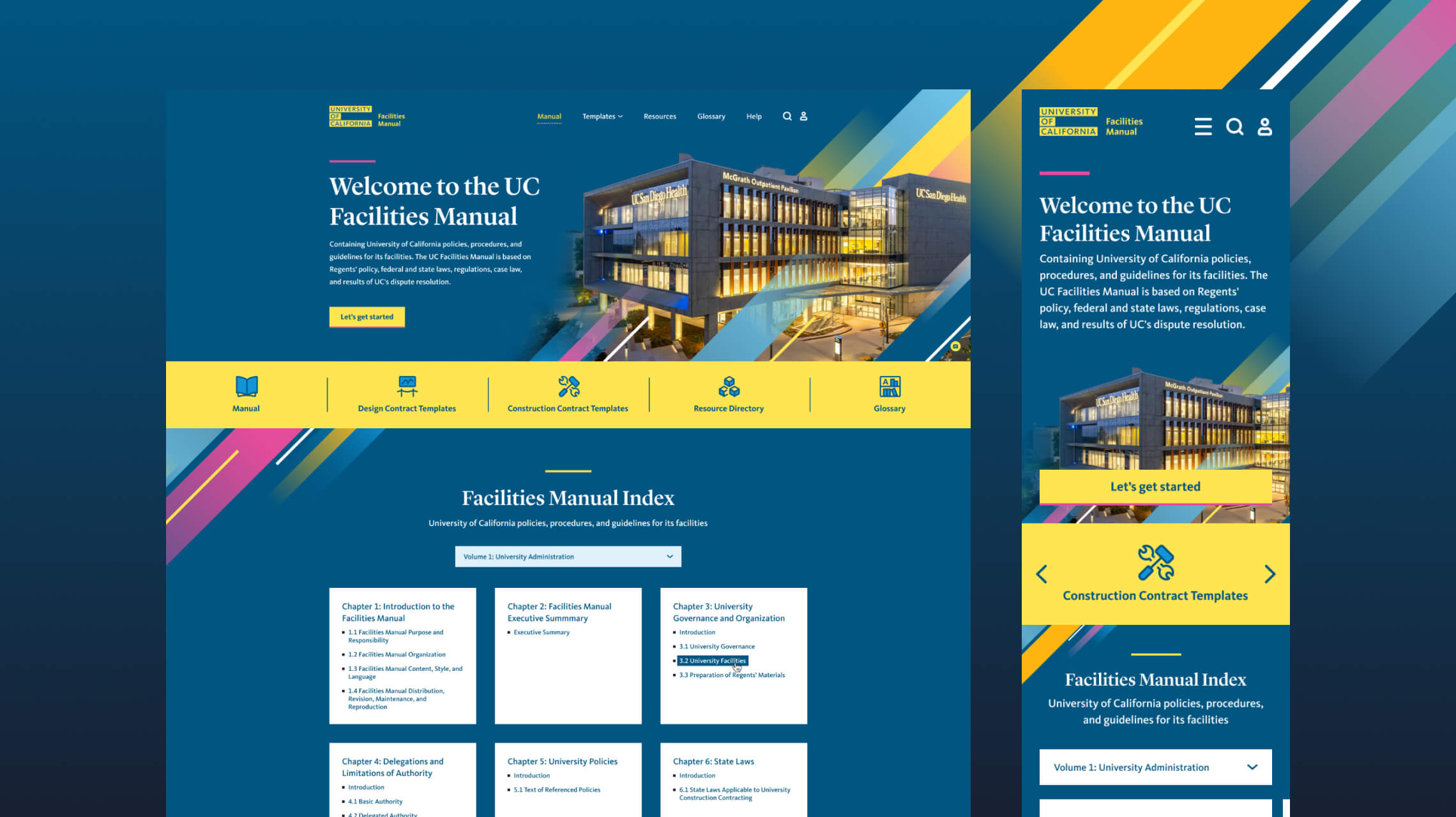
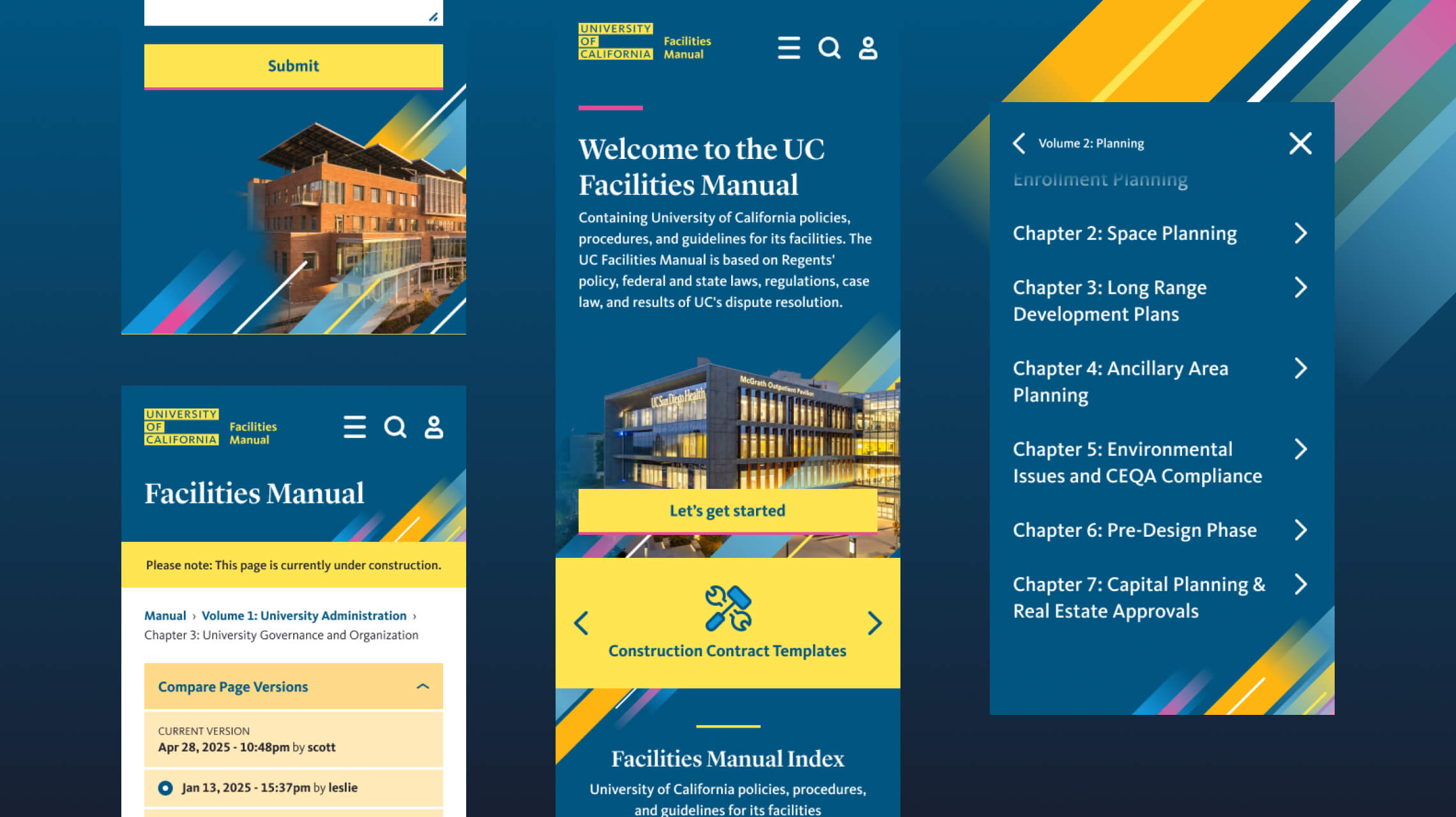
At the same time, we simplified the navigation and reorganized key sections so the overall structure makes more sense, especially for people who don’t already know the manual inside and out.
Bringing clarity to contracts and revisions
Another major challenge was version control, particularly for contracts.
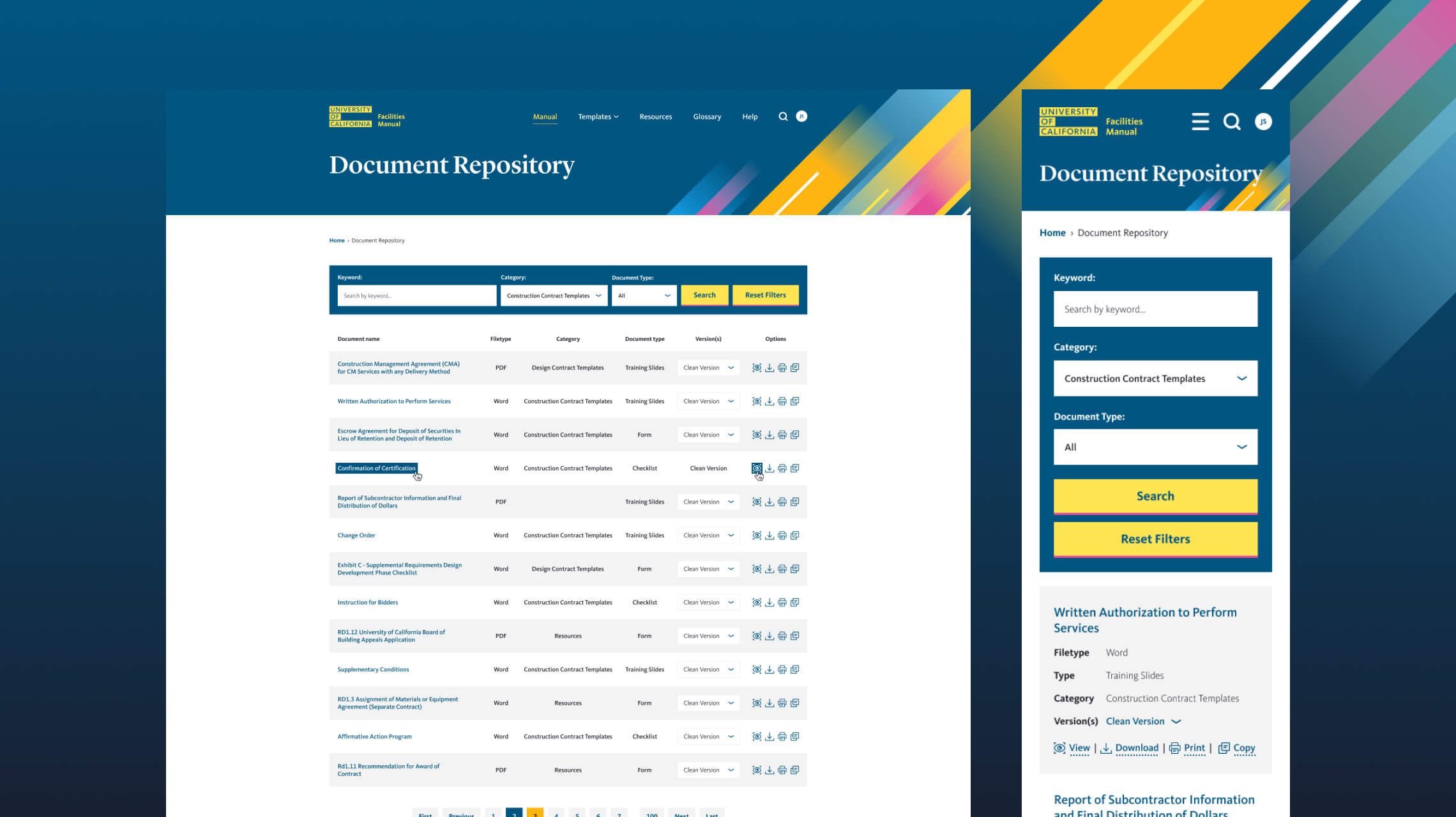
We built a set of secure, logged-in features that give contract managers access to what they actually need:
- Previous versions of documents
- Revision history
- A centralized repository for contract files
- A “What’s New” area that highlights major updates
This makes it much easier to understand what’s changed and why, without cluttering the public-facing experience.
Removing bottlenecks behind the scenes
On the backend, publishing workflows were a big source of frustration. Updates often required multiple steps and long delays.
The new system removes those bottlenecks, allowing UCOP staff to publish updates much more quickly. It also better supports accessibility requirements (WCAG 2.1 AA) and ongoing content governance.
The result
The new Facilities Manual is simply easier to use.
- Search works the way people expect
- Navigation is clearer
- Updates happen faster
- Contract changes are easier to track
It’s a more practical, day-to-day tool for the people who rely on it... and a much more manageable system for the team maintaining it.