Web Accessibility and WCAG Compliance
Accessibility is often treated as a one-time effort. A site is audited, issues are fixed, and then attention shifts elsewhere. Over time, new content is added, templates change, and the same problems start to reappear.
We also see a heavy reliance on automated tools without enough attention to how people actually experience a site. Those tools are useful, but they only catch part of the picture. Without structure and clear patterns in place, accessibility becomes something that has to be constantly revisited rather than something that holds together over time.
Through our work with universities and government agencies, we have come to take a different approach. We think of ourselves as an accessibility-first agency. That is not a separate service or a final step. It is something that shapes how we design systems, structure content, and build components from the start.
The goal is to create a foundation where accessibility is part of how the site works day to day. In most cases, that begins with an audit, but it rarely ends there.
Accessibility Audits
An audit is often the first step in understanding where things stand.
We combine automated tools like Siteimprove, WAVE, Axe, and Pa11y with manual testing to identify issues that tools alone will miss. That includes keyboard navigation, screen reader behavior, focus management, and how content is actually experienced by users.
The goal is not just a list of errors. It is a clear, prioritized set of findings that your team can act on, with enough context to understand what matters most and why.
Remediation and Implementation
Fixing accessibility issues is not just a matter of patching code. In many cases, the root causes are structural.
We work through remediation at multiple levels. That can include updating templates and components, improving content patterns, and addressing inconsistencies across large sets of pages. For Drupal and WordPress sites, this often involves refining how content is modeled and how editors interact with the system.
The focus is on making meaningful improvements that hold up over time, not just resolving isolated issues.
Ongoing Monitoring and Support
Accessibility is not a one-time effort. As content changes and new features are added, issues can reappear.
We support ongoing monitoring through tools like Siteimprove, along with periodic manual reviews. This helps catch regressions early and gives teams a way to stay on top of accessibility without having to start from scratch each time.
For many organizations, this becomes part of a longer-term support relationship where accessibility is folded into regular maintenance and improvement work.
Accessibility in Practice
For universities and government agencies, accessibility is both a responsibility and a requirement. It affects how people access services, apply to programs, and engage with public information.
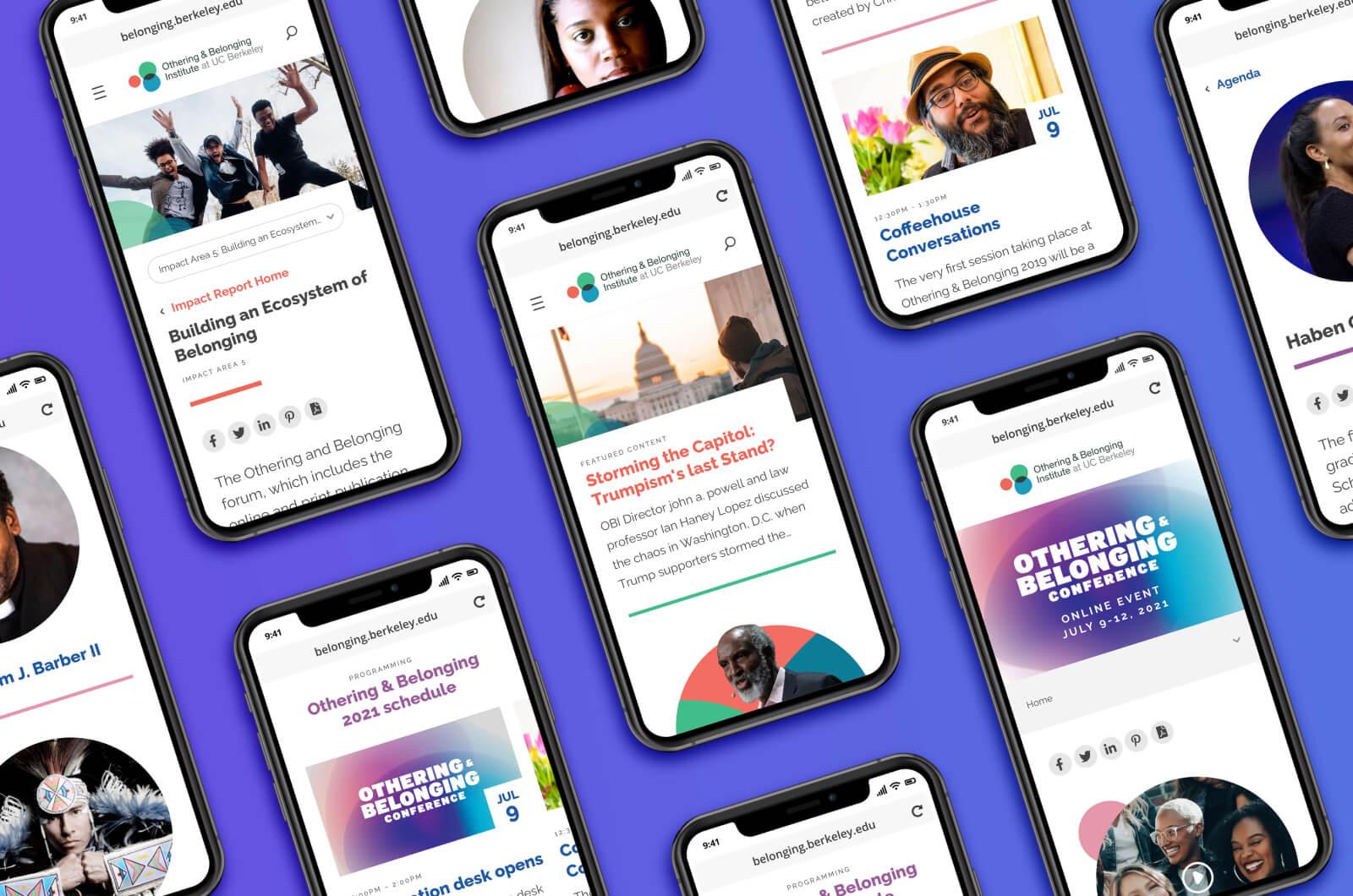
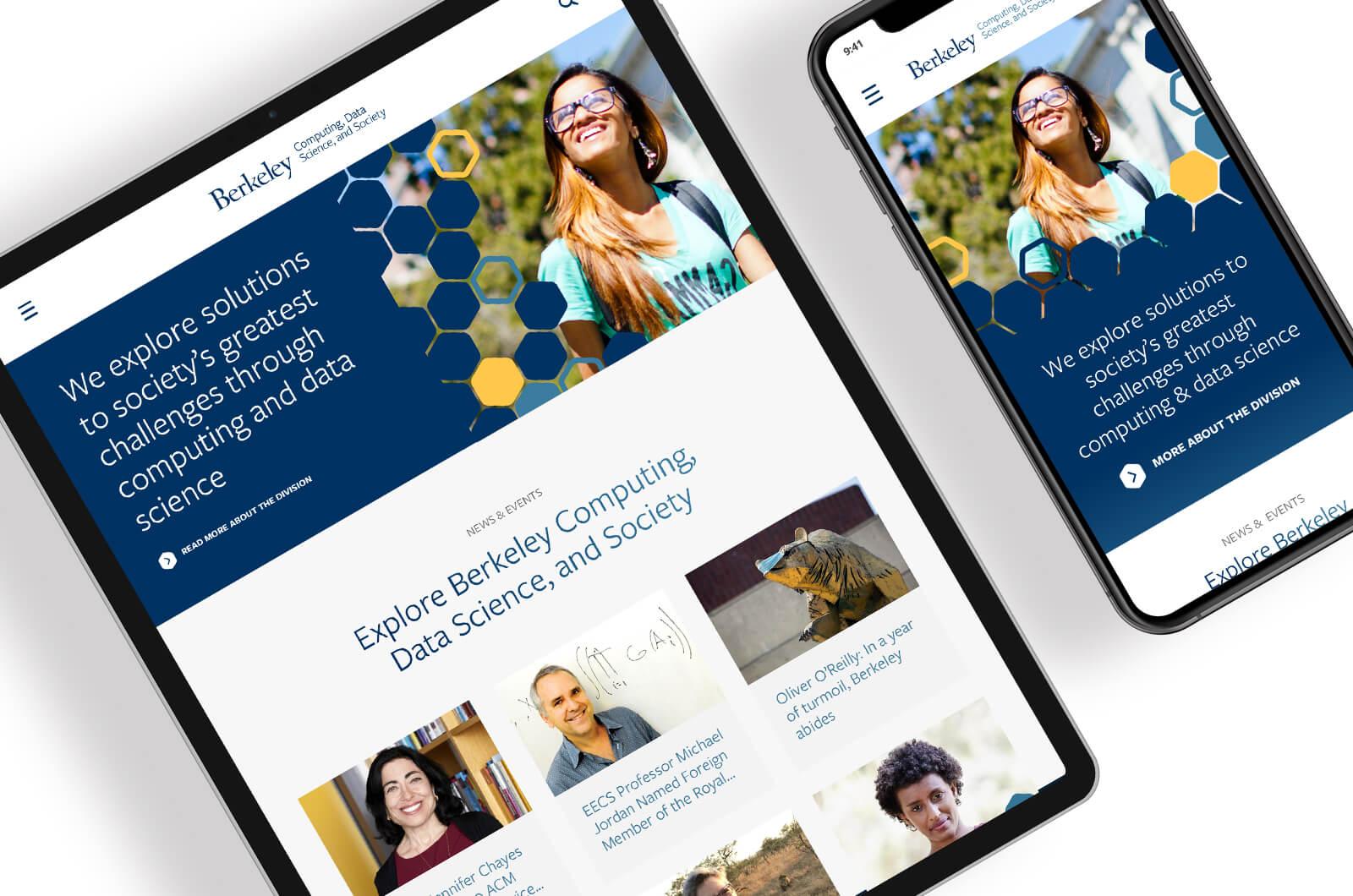
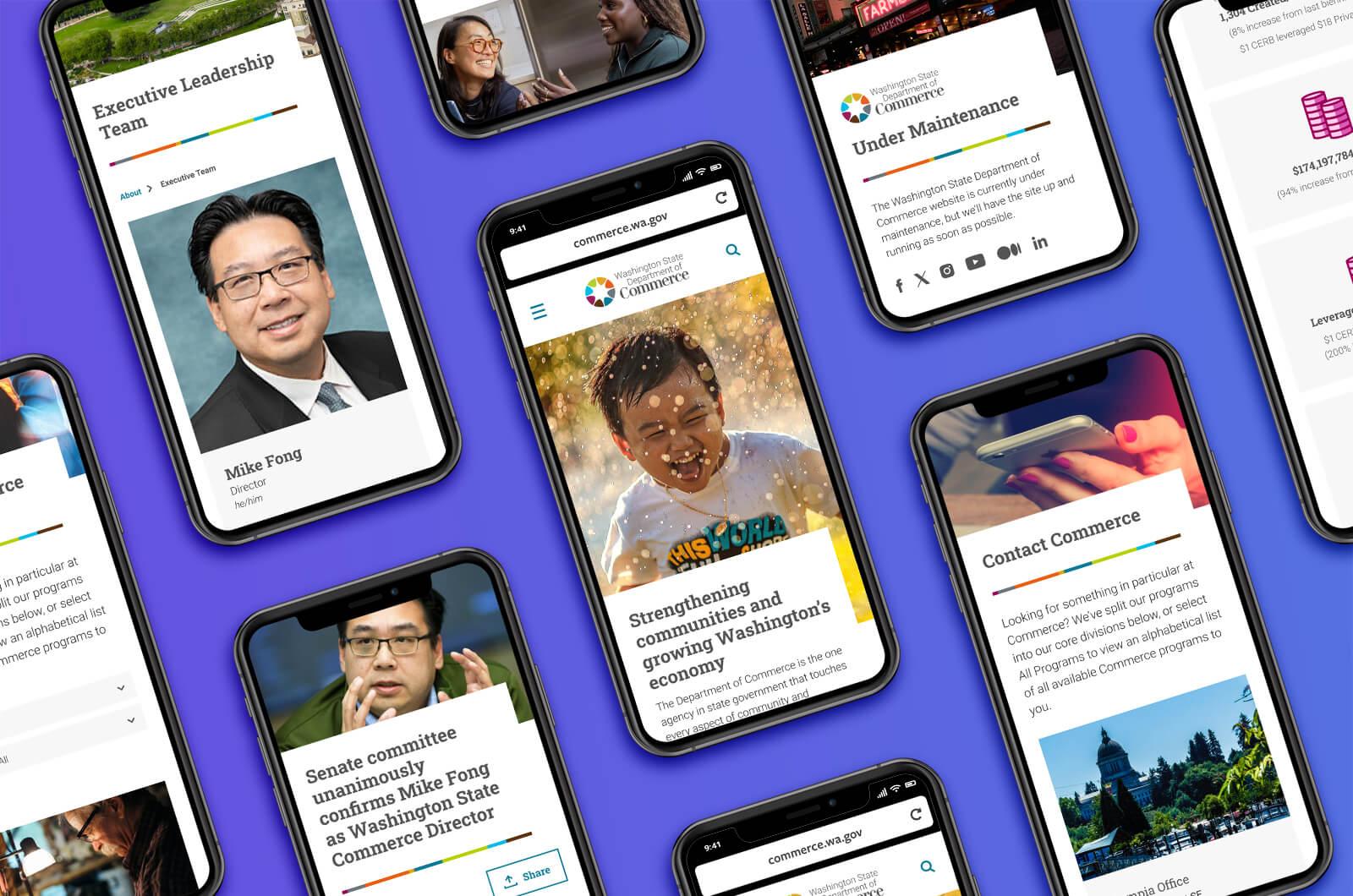
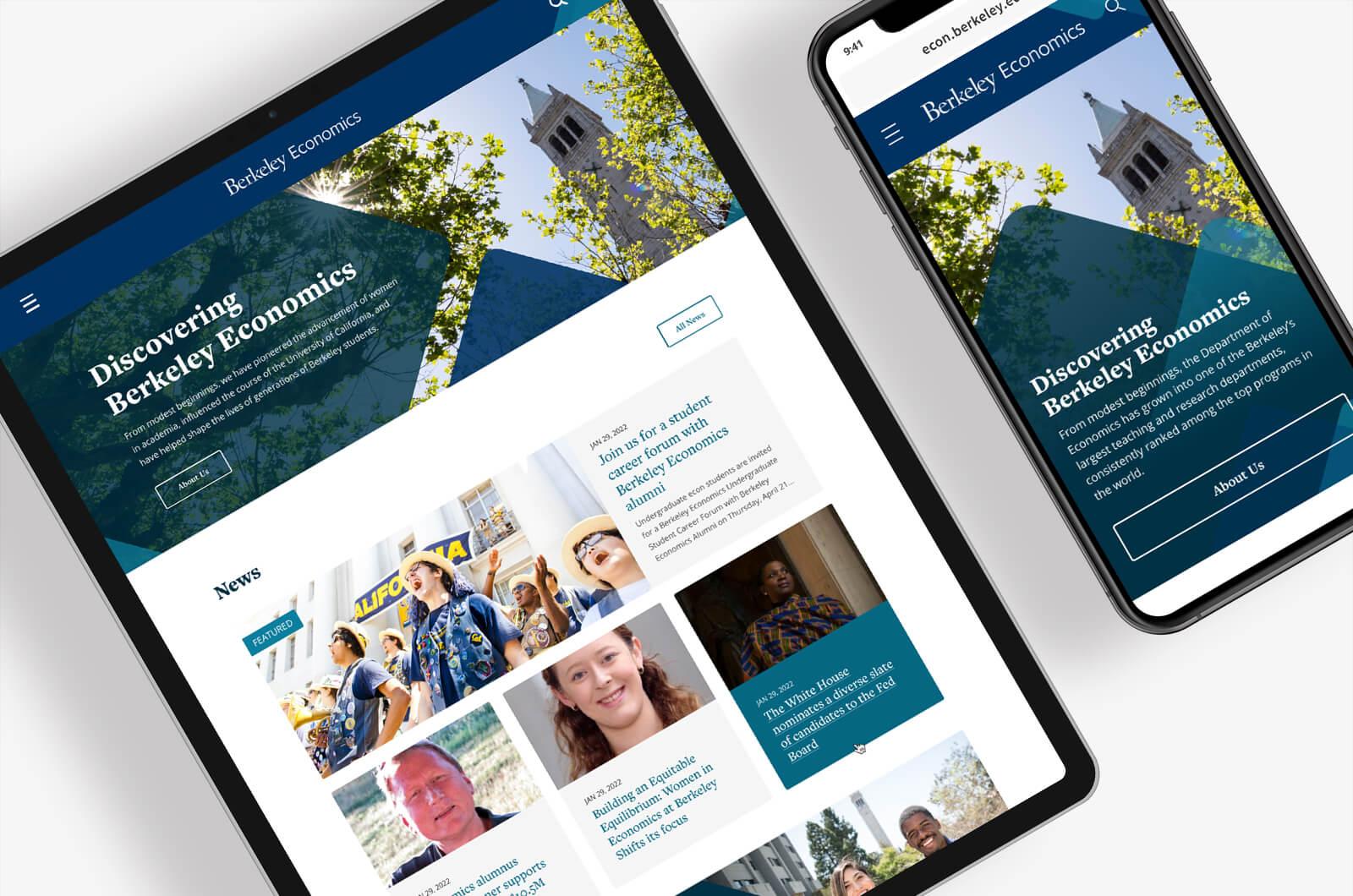
We have worked on accessibility across a range of large, content-rich sites, including environments with distributed publishing and complex governance. That experience shapes how we approach the work. It is not just about meeting guidelines. It is about creating systems that make it easier for teams to do the right thing by default.
Frequently Asked Questions
How long does an accessibility audit take?
It depends on the size and complexity of the site. Smaller sites may take a few weeks, while larger environments are often reviewed in phases.
Do automated tools catch everything?
No. Automated tools are useful for identifying certain types of issues, but they do not capture the full user experience. Manual testing is an important part of a thorough audit.
Can we fix issues without a full redesign?
In many cases, yes. Addressing templates and core components can resolve a large number of issues without rebuilding the entire site.
What standard do you audit against?
We evaluate sites against WCAG guidelines, which are the standard used to assess accessibility for people with disabilities.